A new painting on your Mac’s desktop, every time you log in.
ArtWall is a menu bar app for macOS. It hangs a masterpiece from The Met, the Art Institute of Chicago, the Cleveland Museum of Art or the National Gallery of Denmark as your wallpaper, and tells you who painted it.
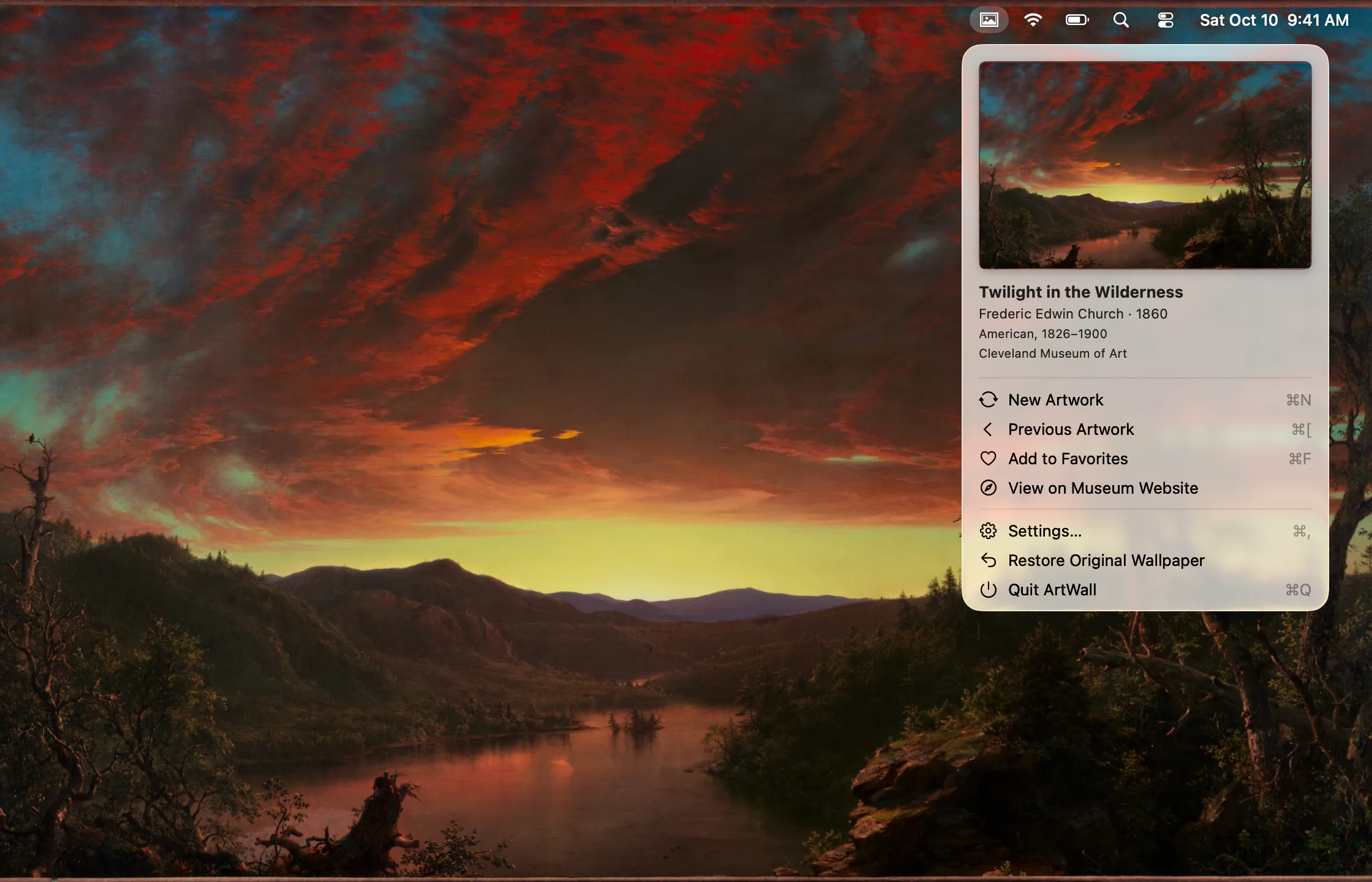
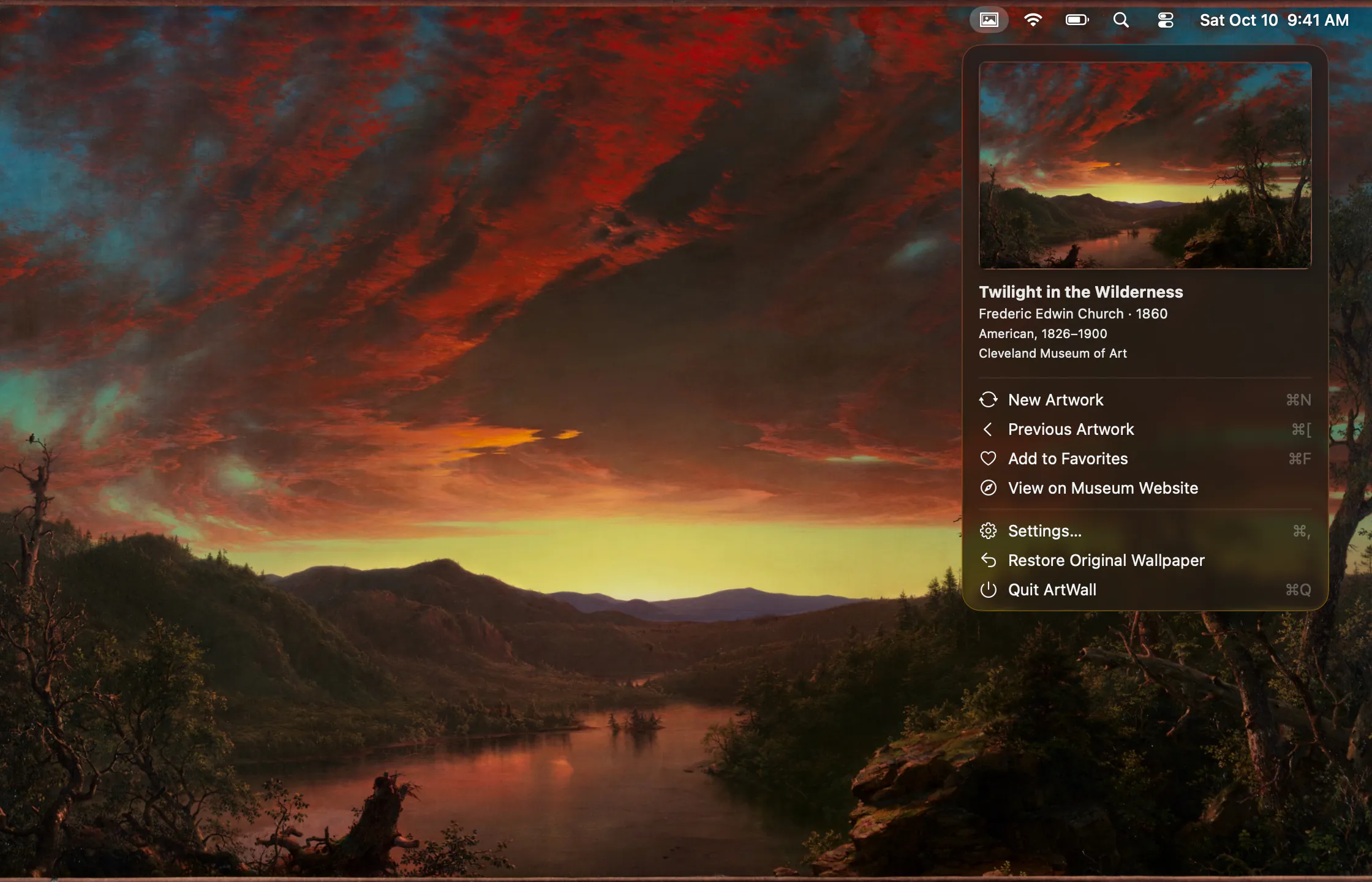
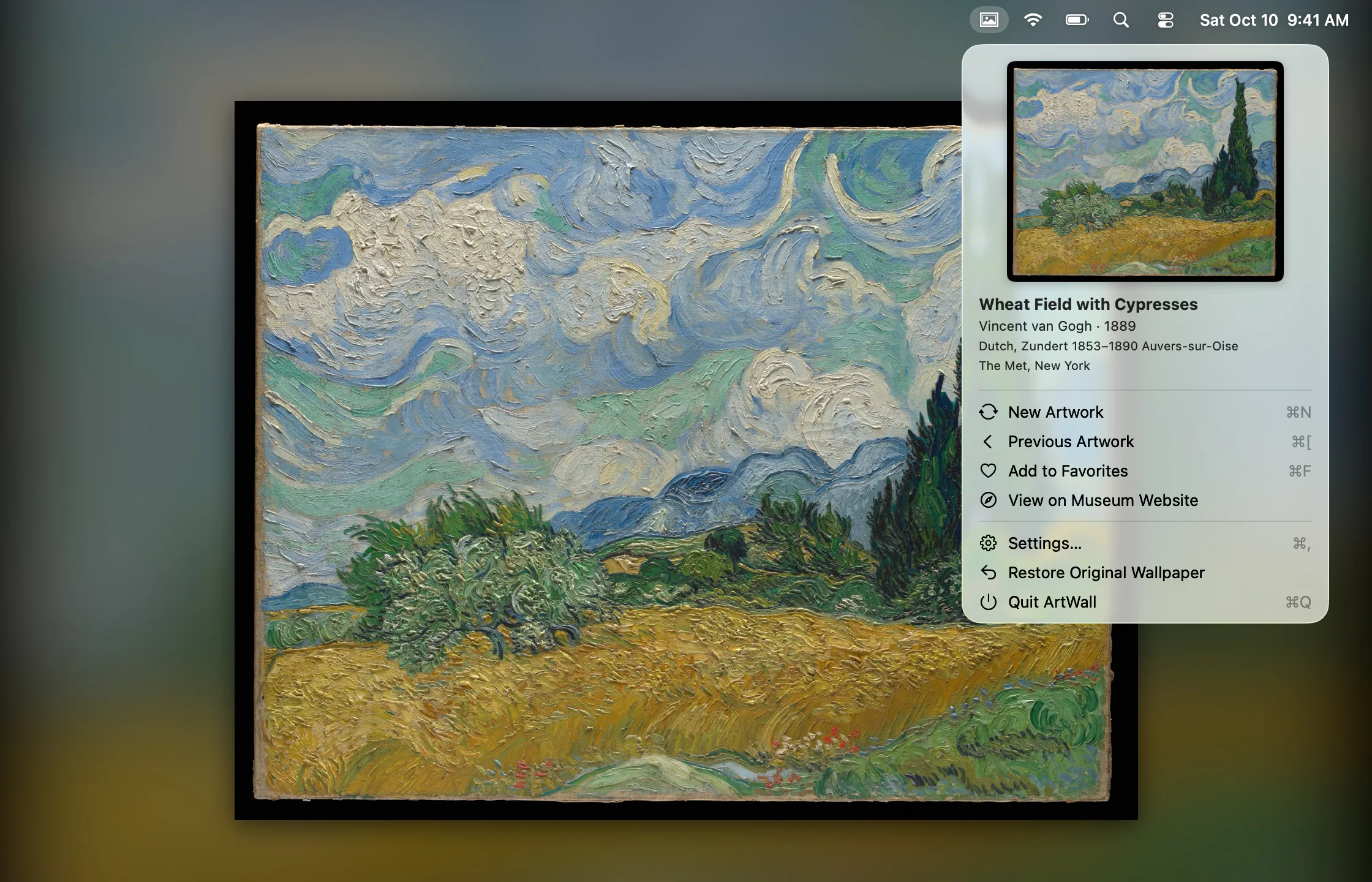
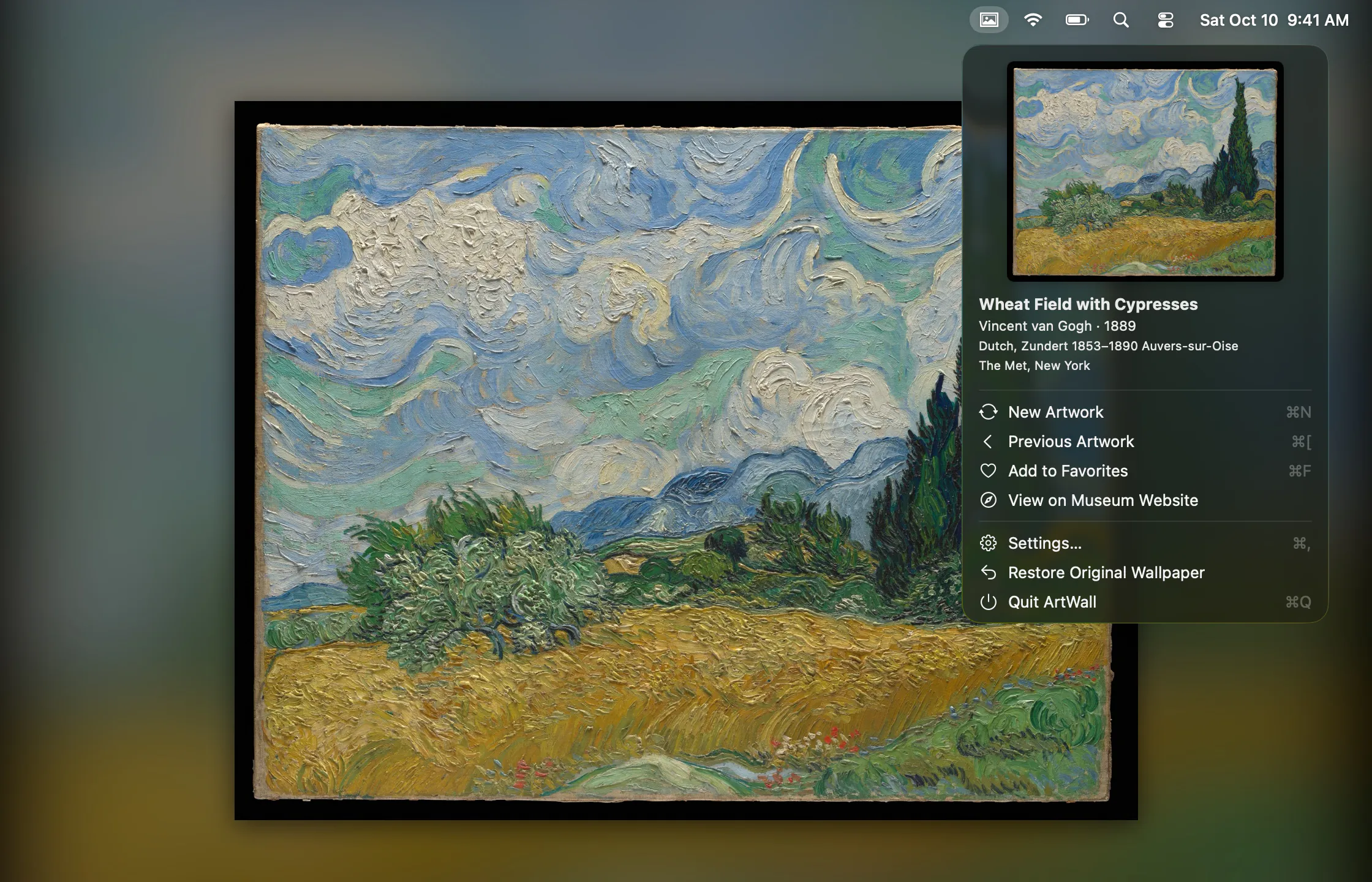
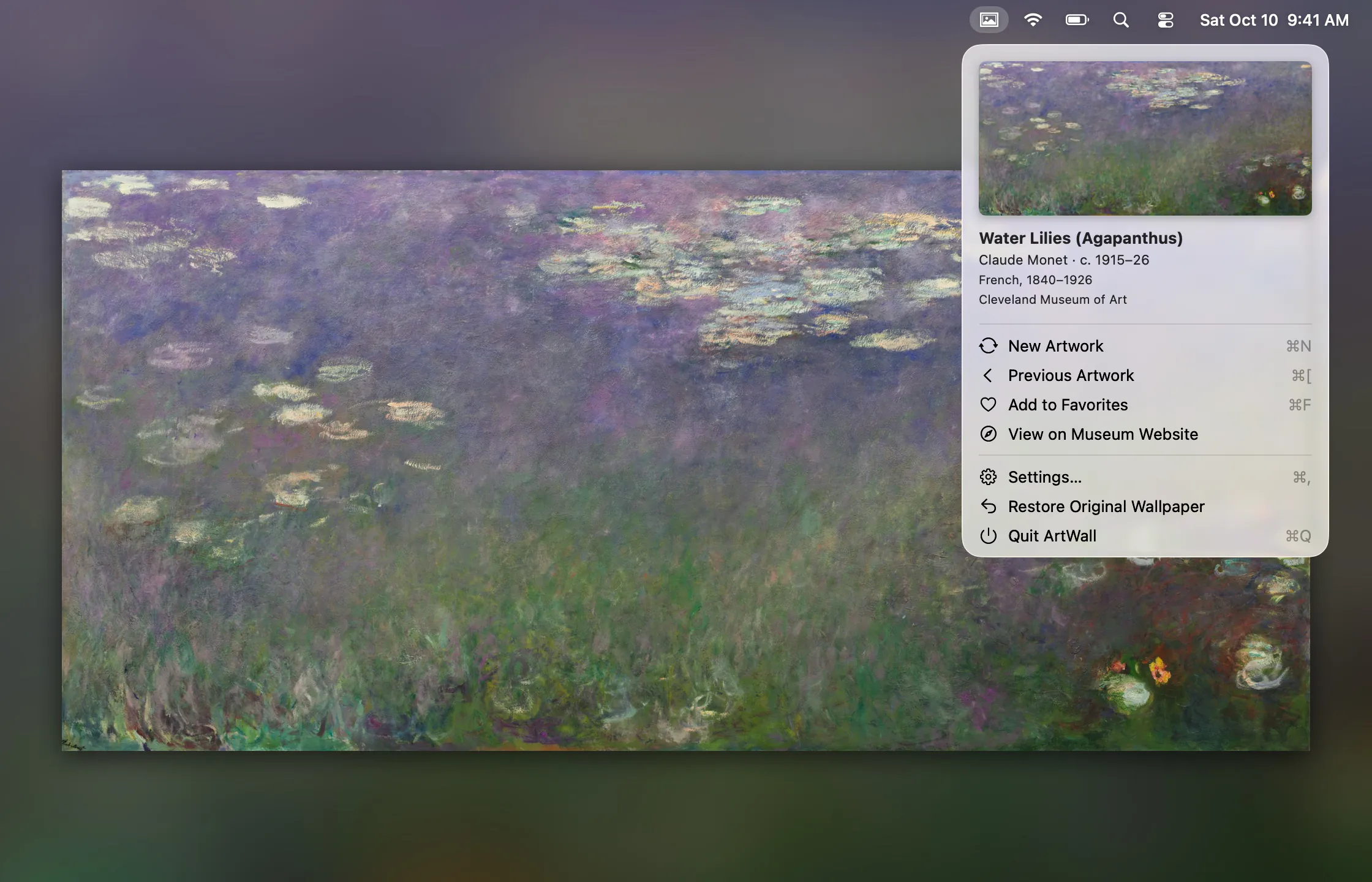
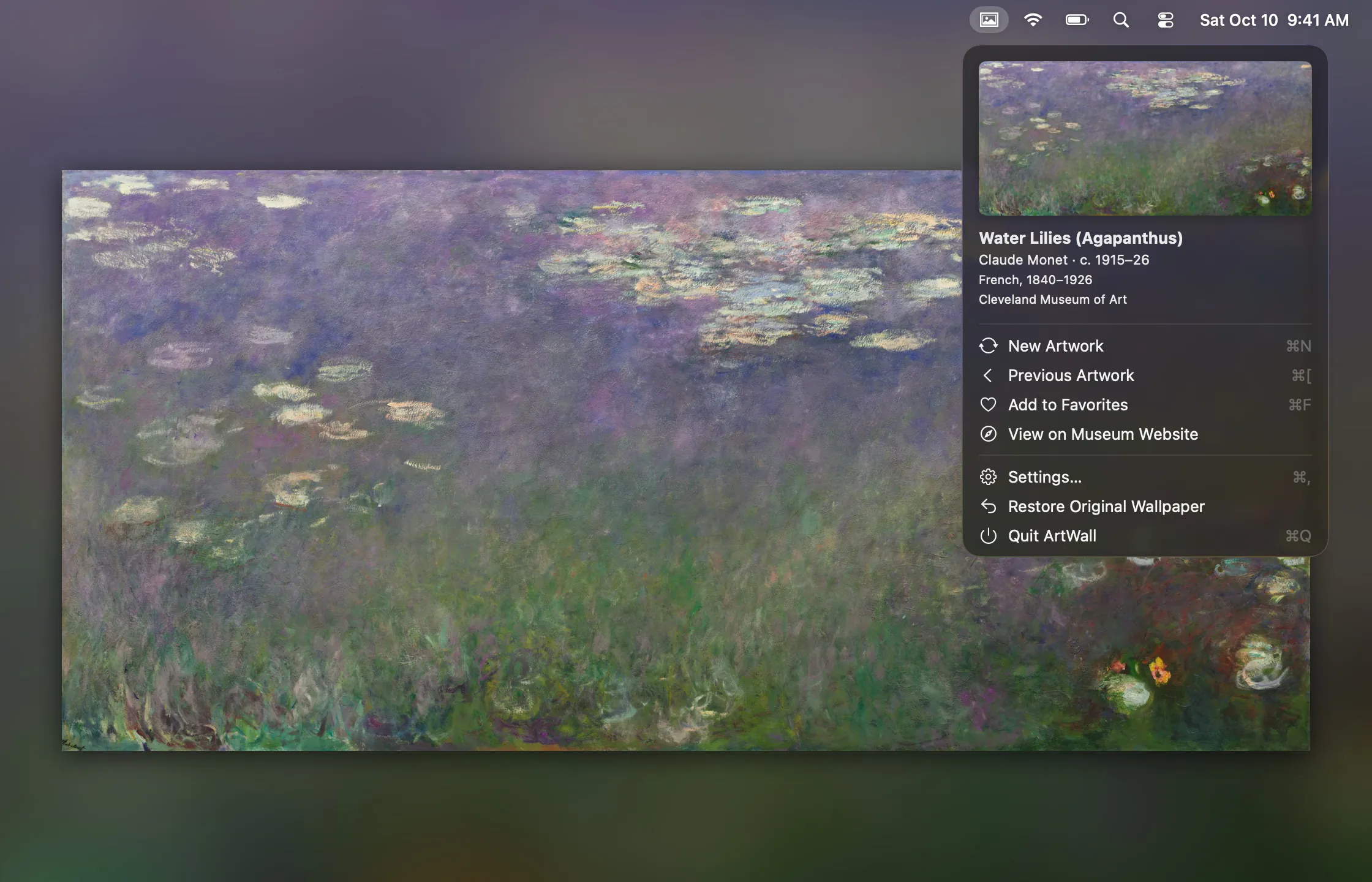
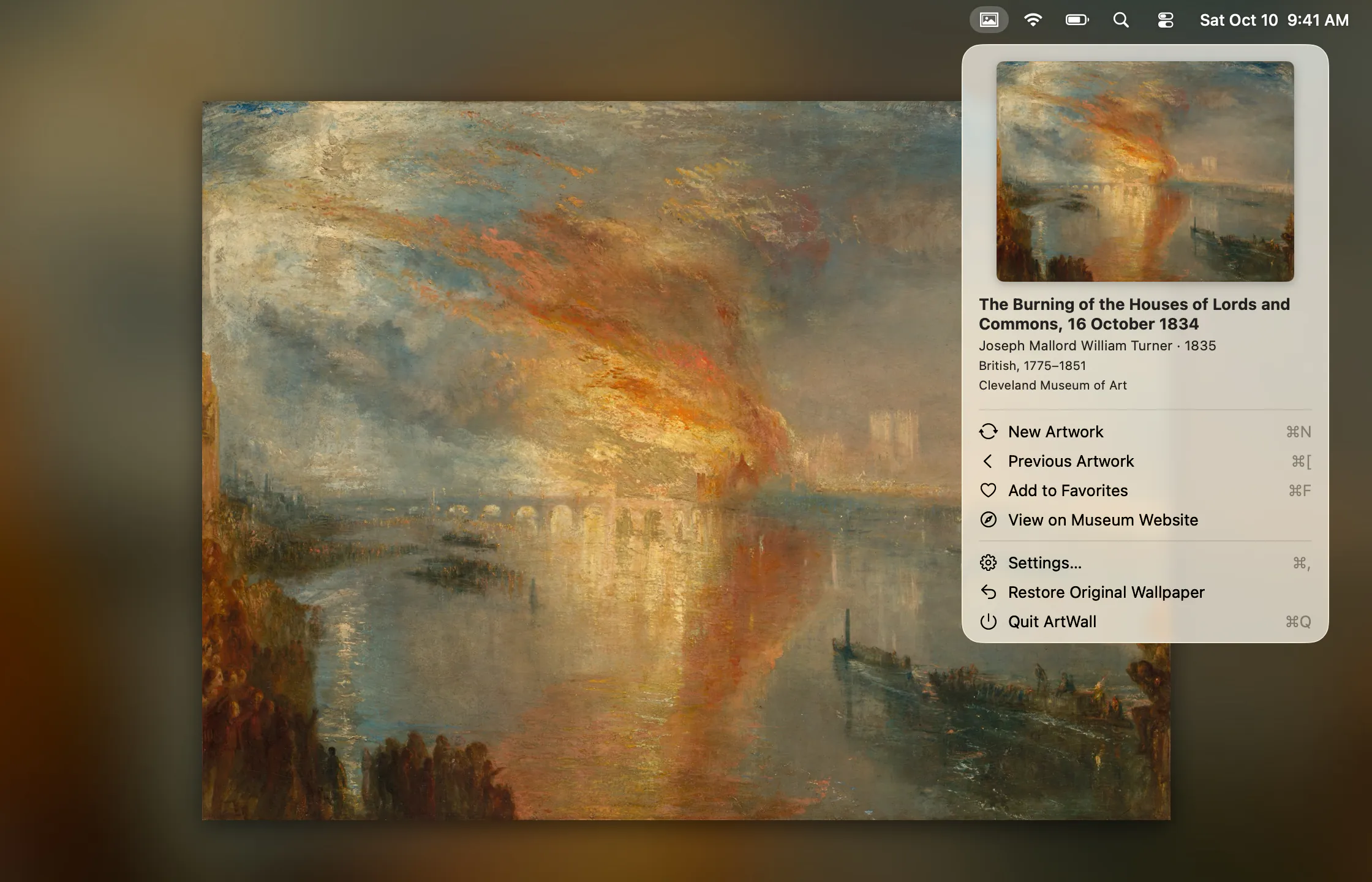
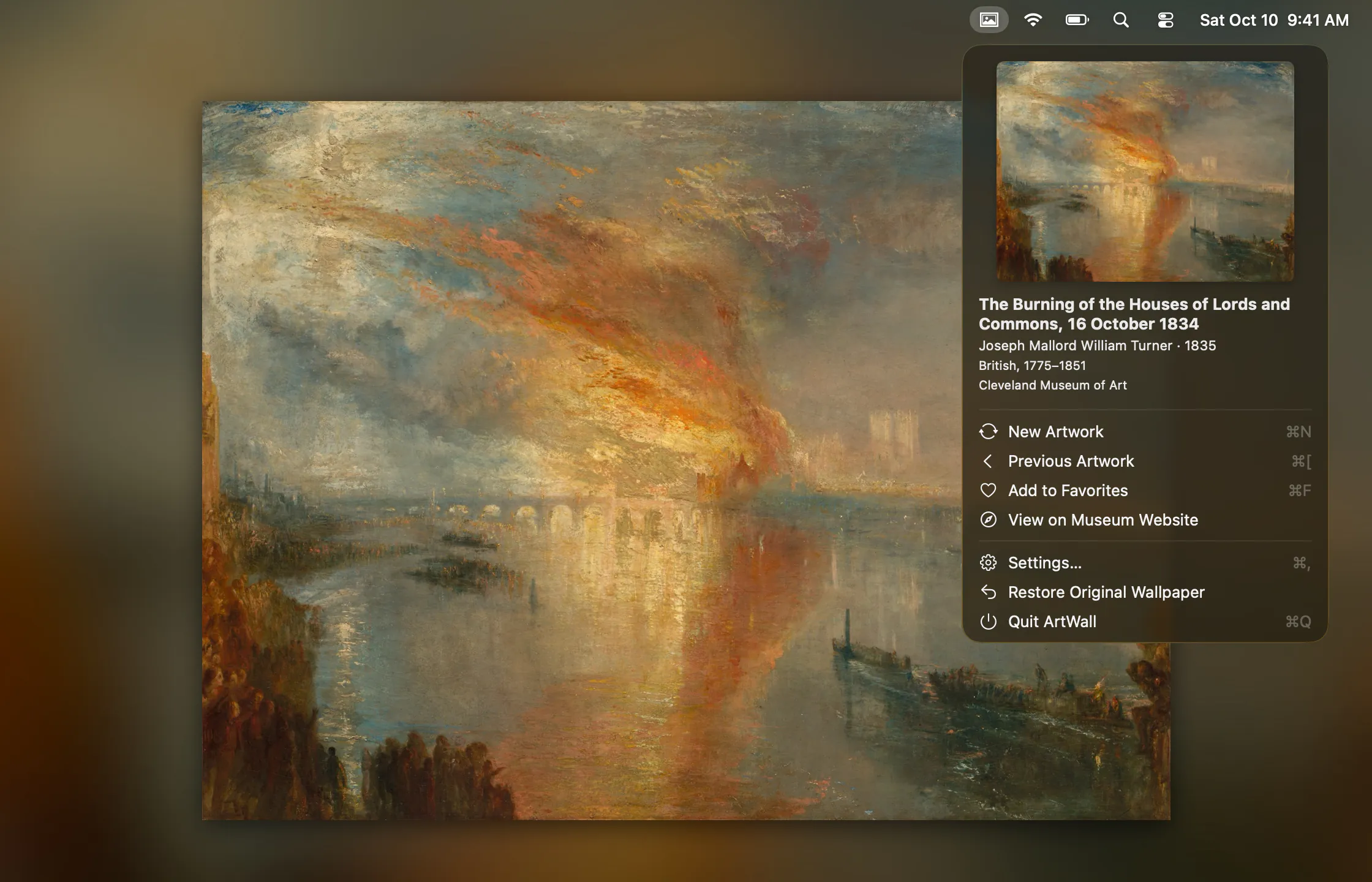
A Mac desktop with ArtWall: the painting is your wallpaper, and the frame icon in the menu bar tells you what it is. Captured from the real app on macOS Tahoe.
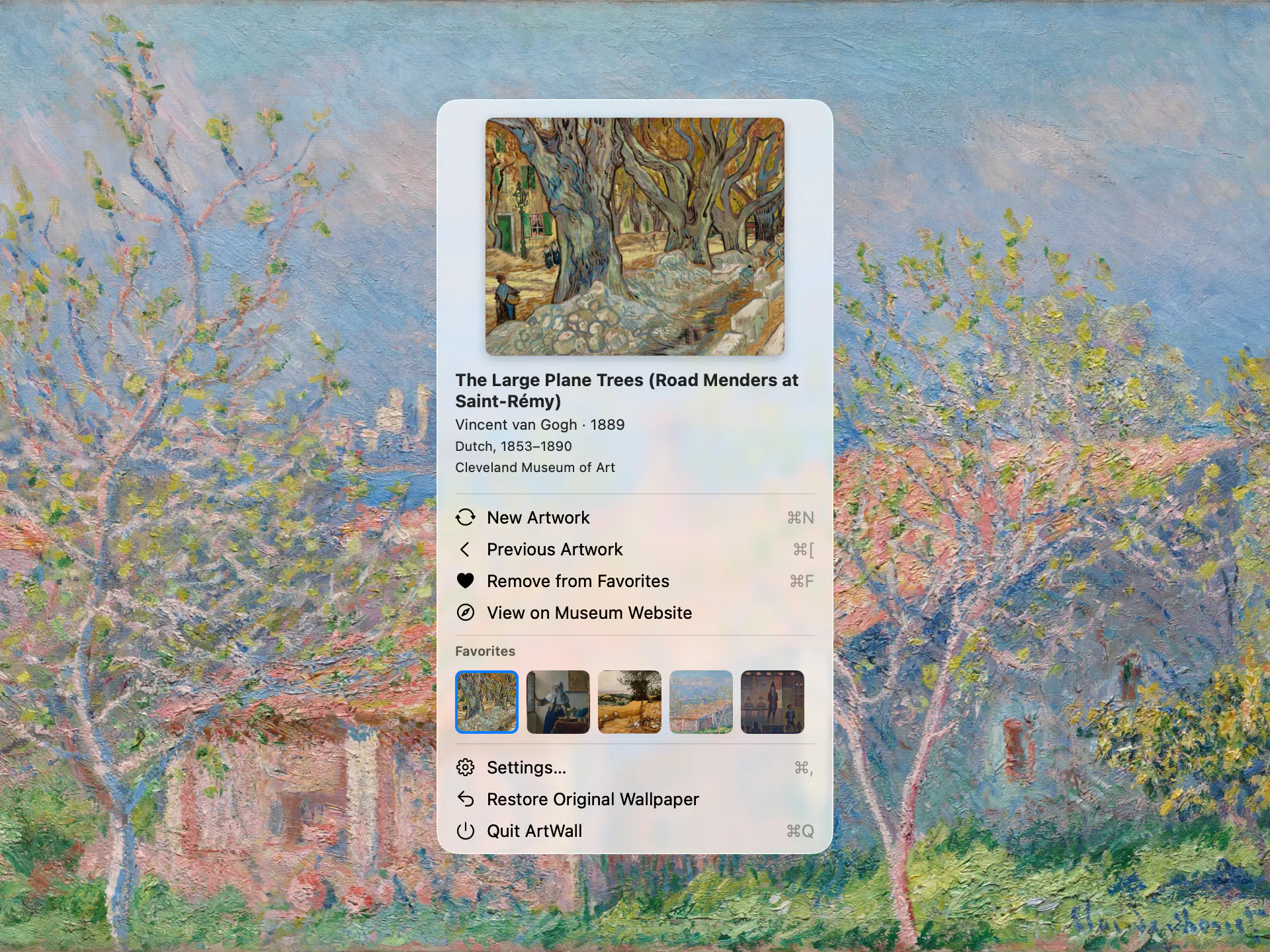
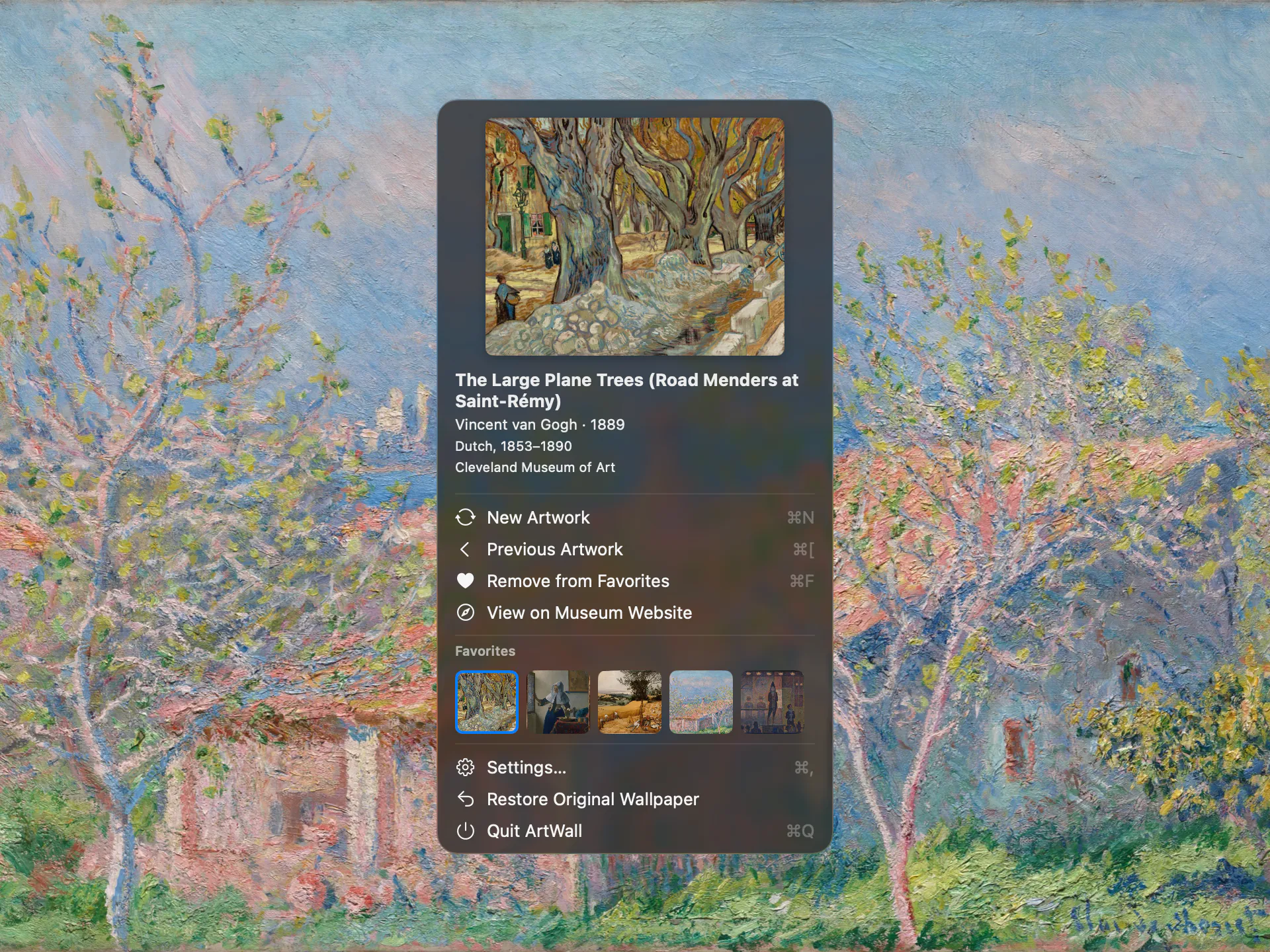
The menu
Everything ArtWall does is one click away, in your menu bar.
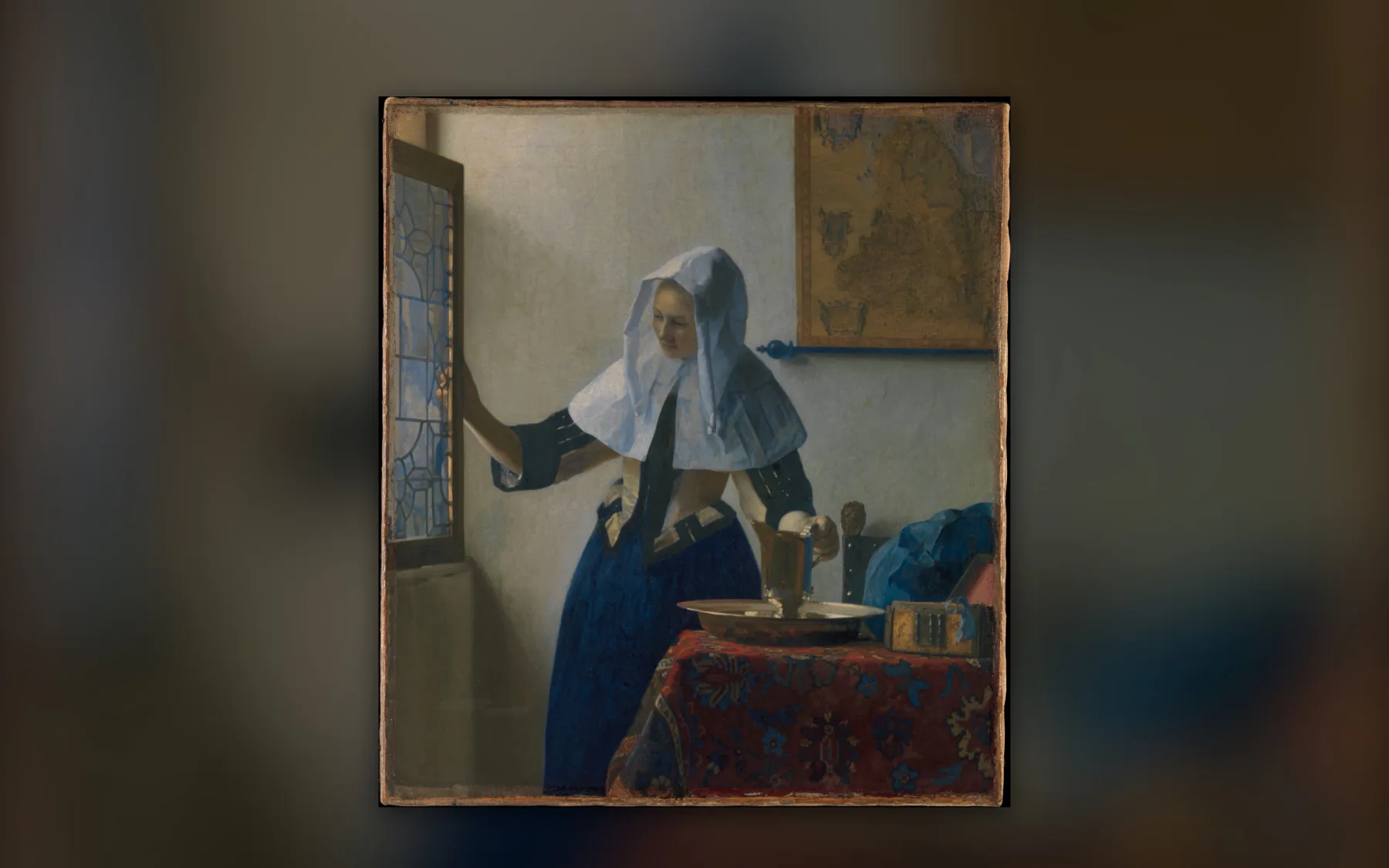
Never cropped
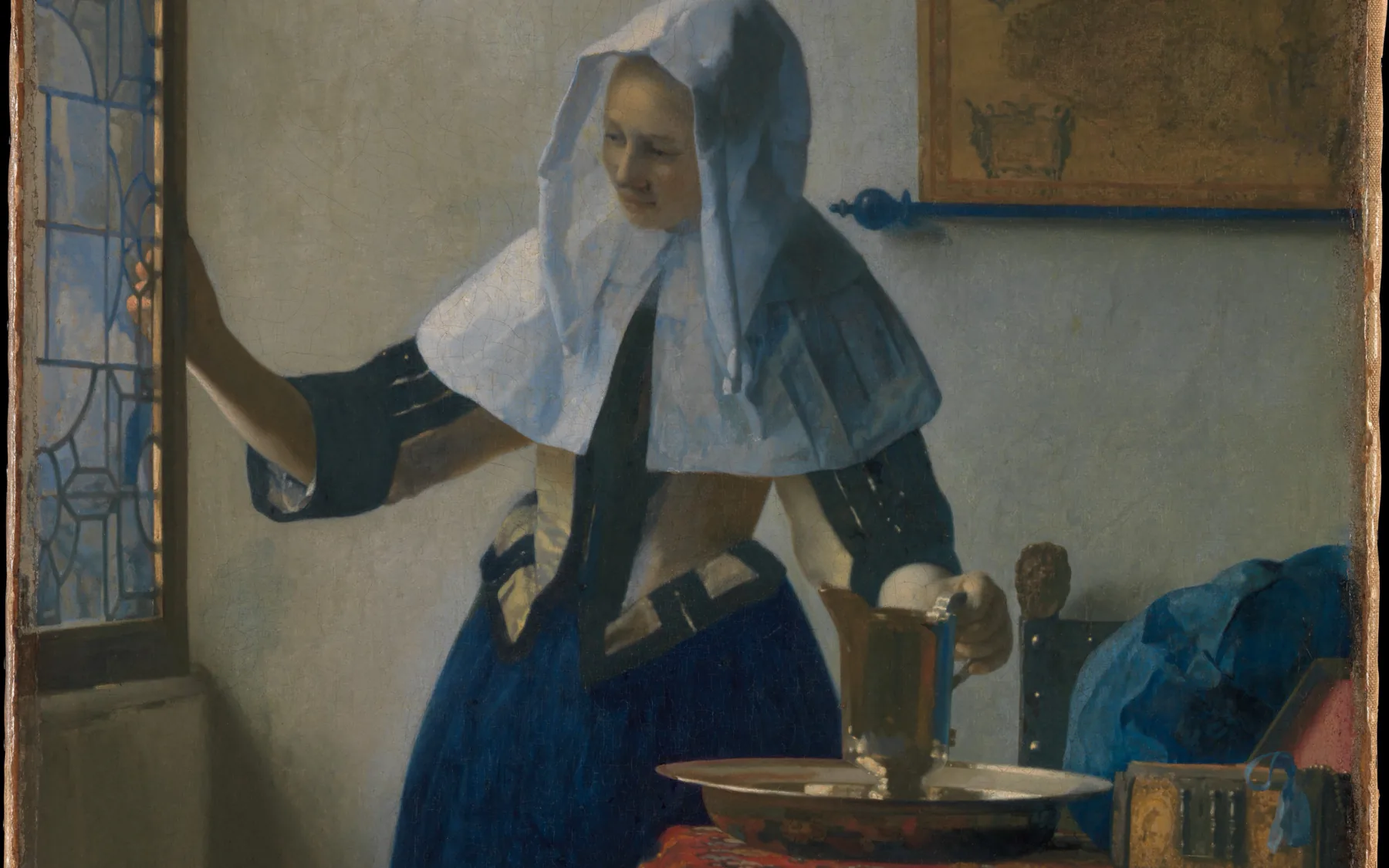
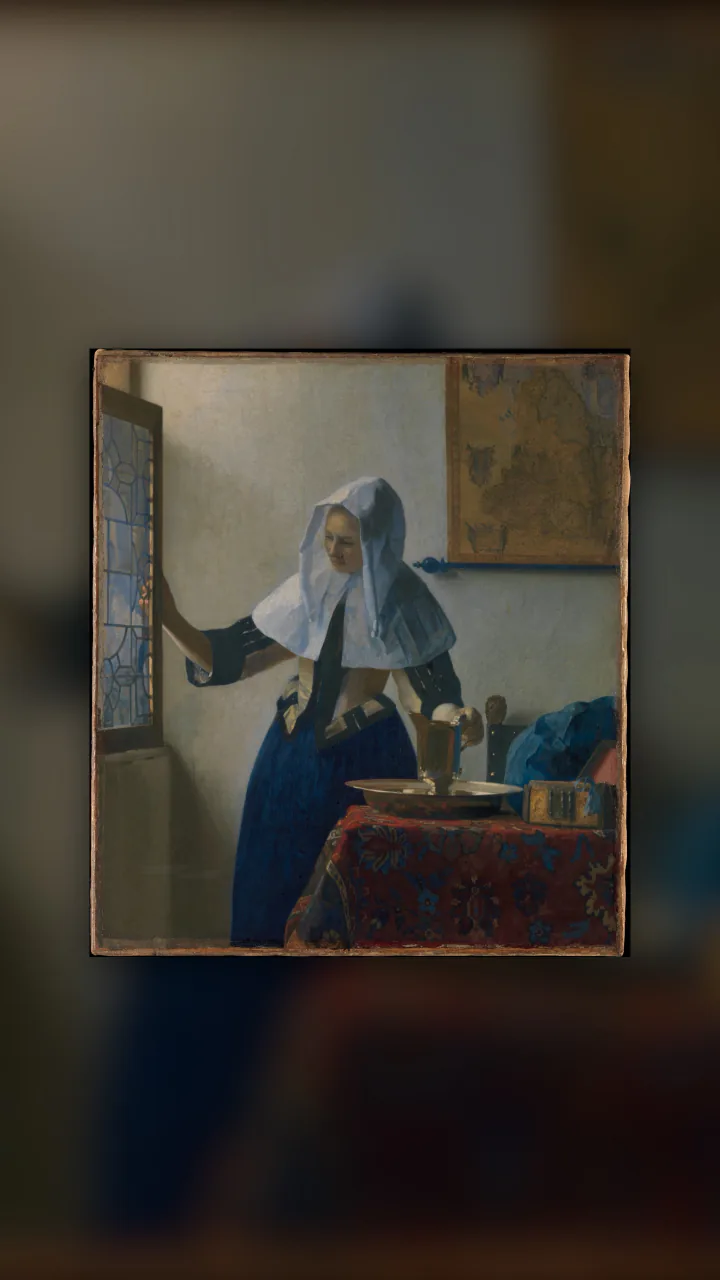
Paintings aren’t shaped like screens. ArtWall shows the whole work below the menu bar, on a soft blur of its own colors.
Every screen
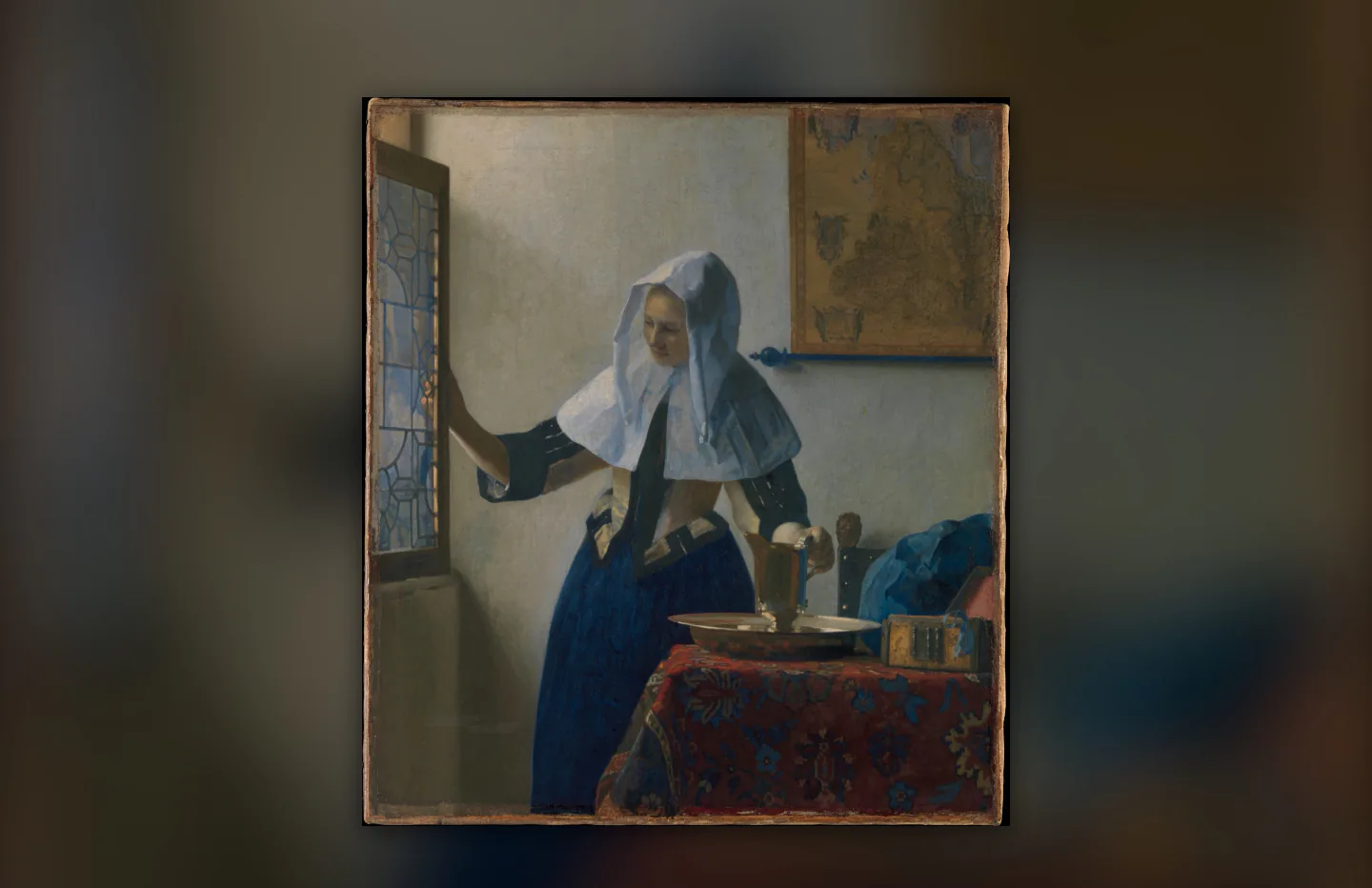
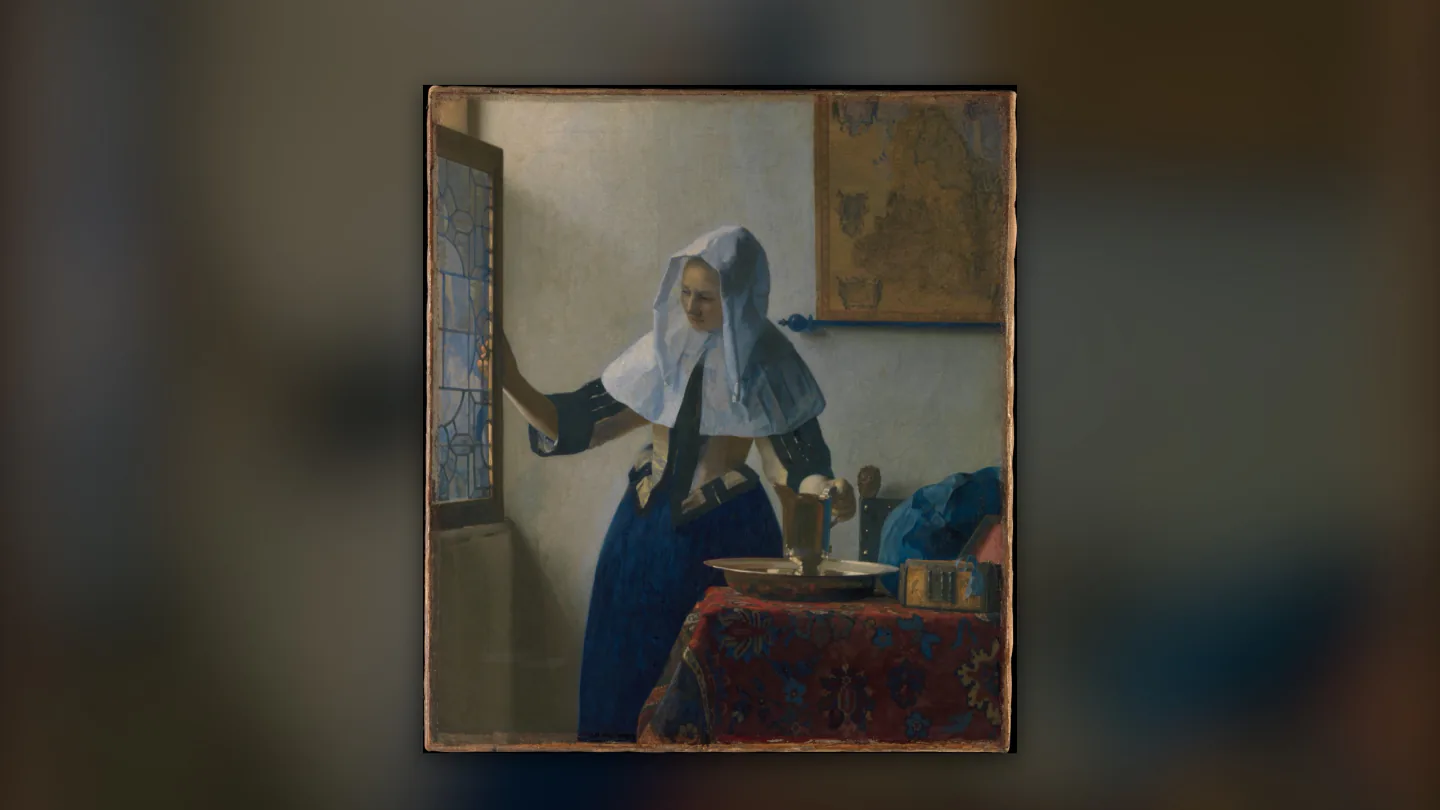
Each display gets the painting composed for its exact size, on every Space.
Questions
What does ArtWall do?
It’s a small menu bar app that sets a random painting as your wallpaper every time you log in, and tells you what it is: the title, the artist, the date and the museum. Want another one? Choose New Artwork whenever you like.
Where do the paintings come from?
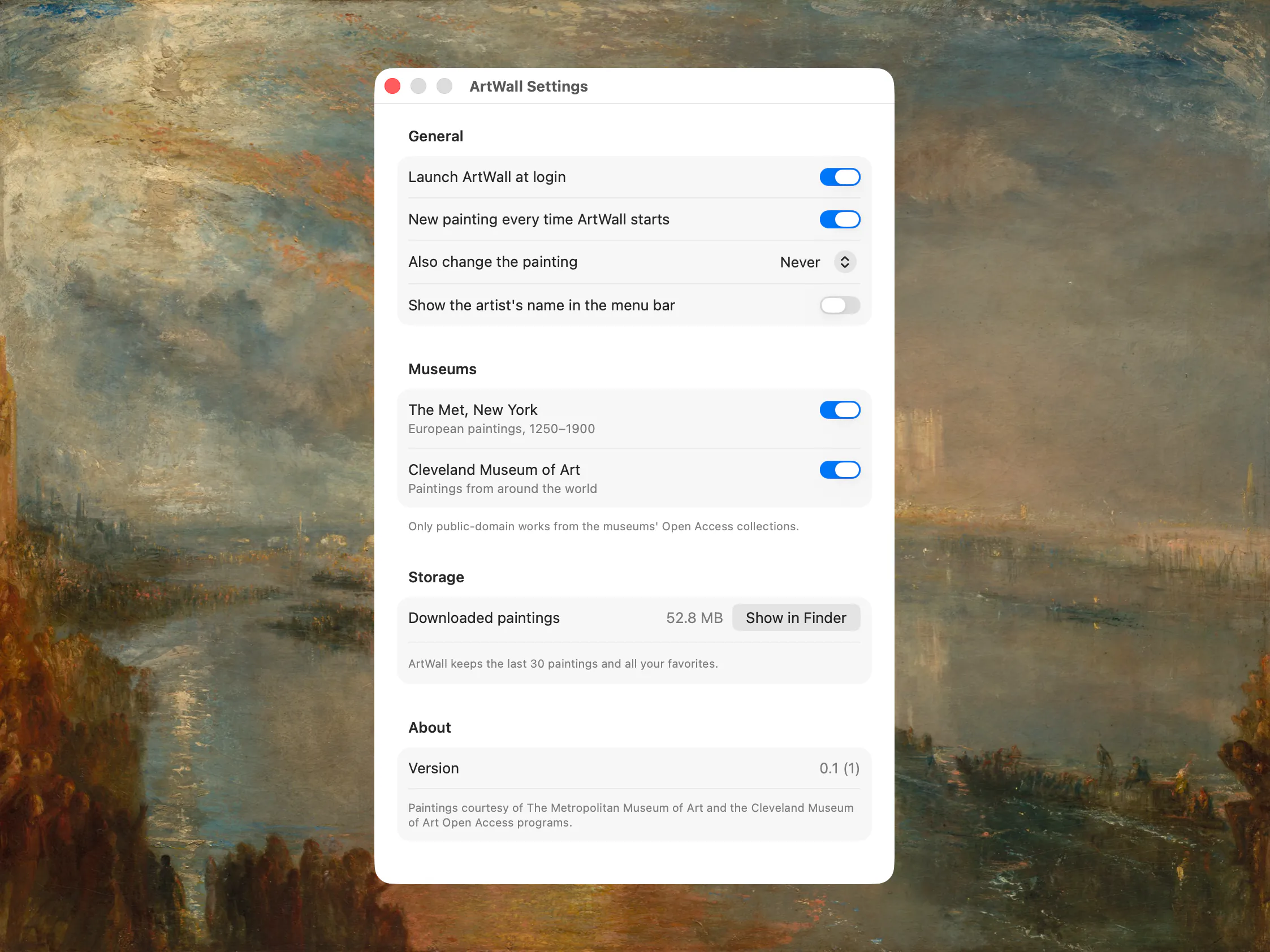
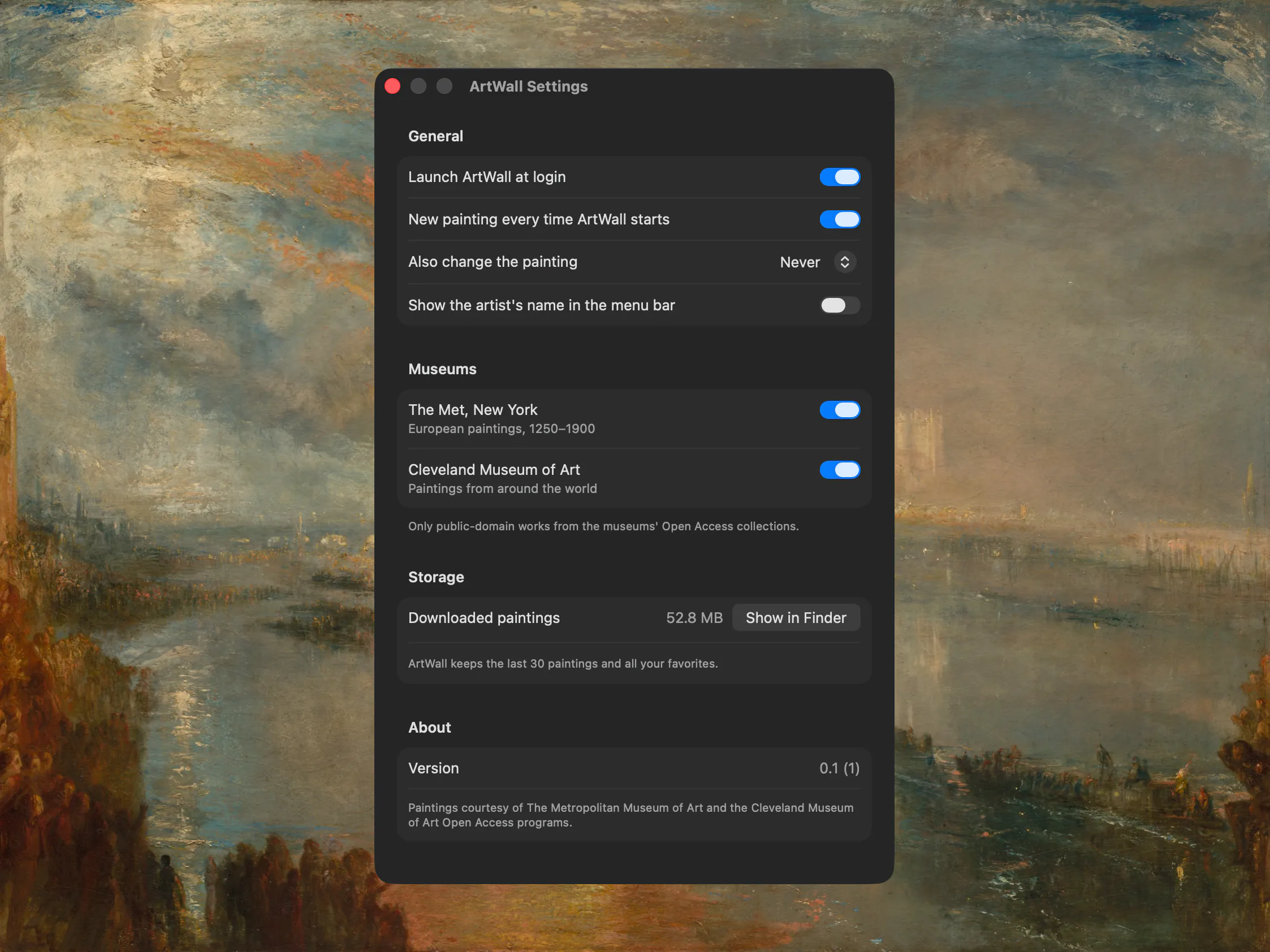
From the open-access collections of four museums: The Metropolitan Museum of Art in New York (European Paintings), the Art Institute of Chicago, the Cleveland Museum of Art, and SMK, the National Gallery of Denmark. You can turn any of them off in Settings. Every work is in the public domain. Very tall, very wide or low-resolution images are skipped.
Does it work with several displays and Spaces?
Yes. Each display gets the painting composed for its exact size, and ArtWall puts it back as you switch Spaces or connect a display, since macOS sets wallpapers one Space at a time.
What if I’m offline when I log in?
The next painting is always downloaded in advance, so the change at login doesn’t wait for the network. If nothing new is ready, ArtWall shows one from your history and catches up once you’re back online.
How do I get my old wallpaper back?
Choose Restore Original Wallpaper in the menu. ArtWall keeps a copy of the wallpaper you had, even if it came from a temporary file. And if you pick a wallpaper yourself in System Settings, ArtWall notices and stops changing it.
Will it slow down my Mac or fill up my disk?
No. Between changes it uses virtually no CPU. It keeps your last 30 paintings plus your favorites, a few megabytes each, and deletes the rest.
Which Macs are supported?
Any Mac running macOS 15 Sequoia or later. It looks its best on macOS 26 Tahoe.
Changelog
What’s new in each version of ArtWall.
ArtWall 0.8
- Improved
Follow the Day now follows the sun where you are, not the clock: a sunrise at first light, a sunset as the sun goes down, and the evening from when it gets dark. ArtWall asks once to use your location, only to work out the sun’s times on your Mac; without it, it goes by your time zone’s main city.
- Improved
The season follows your hemisphere: winter comes in June south of the equator, and near the equator there’s no winter at all.
- New
Two new themes in Paintings From: Sunrise and Sunset.
- New
The Follow the Day row in the menu shows the next sunrise or sunset.
- New
A new installer window: ArtWall hangs on a gallery wall, and an arrow shows where to drag it.
- Improved
ArtWall 0.7
- New
Fill the Screen: turn on this new switch in the menu and New Artwork and the timer only pick paintings shaped like your main screen, with no blurred background. Up to a fifth of a painting can be cropped to fit, and far fewer paintings qualify, especially among portraits.
- New
About This Painting: a new row in the menu shows what the museum wrote about the painting, where it wrote something, and Wikipedia’s introduction to the painter.
- Improved
The Marketplace grows from 14 to 50 collections, now sorted into painters, schools, places and subjects. New ones include Renoir, Hammershøi, Japanese Gold and Ink, Indian Miniatures, Italian Journey and Wide Views, which is made for Fill the Screen.
- New
ArtWall 0.6
- New
Marketplace: 14 ready-made collections to add, all free, like Van Gogh, Quiet Rooms, Storms at Sea and Moonlight. Find it in Settings or at the bottom of Paintings From. Add downloads the paintings, and then it plays like any collection of yours.
- New
Follow the Day: turn it on in the menu and the painting follows the clock, with landscapes and flowers in the morning, cities and the sea at midday, portraits and still lifes in the evening, and night scenes after dark. The season joins in, so winter brings snow.
- New
Eras: choose Renaissance, Baroque, Dutch Golden Age, Rococo, Romanticism or Impressionism in Paintings From.
- New
Museums, a new row in the menu: take new paintings from one museum, or all of them. It works together with any theme or era, so you can have only Impressionism from The Met.
- New
ArtWall 0.5.2
- Improved
With more than five favorites, arrows next to Favorites in the menu move along the row, and so does a mouse’s scroll wheel. Before, only a sideways swipe on a trackpad did.
- Improved
ArtWall 0.5.1
- Improved
While ArtWall looks for a new painting, a spinner takes the place of the menu bar icon, so you know New Artwork was heard.
- Improved
ArtWall 0.5
- New
Themes: choose Landscapes, The Sea, Cities, Winter, Night, Portraits, Still Lifes, Flowers or Animals in Paintings From, and every new painting is of that subject, from all four museums.
- New
ArtWall 0.4
- New
Two more museums: the Art Institute of Chicago and SMK, the National Gallery of Denmark. That’s about 6,500 more paintings.
- Improved
Museums added in a new version start out turned on, even if you’ve chosen your museums before.
- Fixed
A cleaner tab bar in Settings.
- New
ArtWall 0.3
- New
Collections, like playlists. Add to Collection puts the painting on your desktop in one, and Settings has a Collections tab to sort your favorites into them.
- New
Paintings From plays Favorites or a collection: New Artwork and the timer go through it in random order, each painting once before any comes back.
- Improved
Change Automatically is now in the menu, and can also change the painting every 15 or 30 minutes.
- New
ArtWall 0.2
- Fixed
The menu stays still when the painting changes. With the artist’s name in the menu bar, a longer or shorter name used to slide the whole menu sideways.
- Fixed
“Finding a painting…” now shows over the painting, instead of pushing the menu items down.
- Fixed
ArtWall 0.1
- New
The first version: a public-domain painting from The Met or the Cleveland Museum of Art at every login, shown whole on a blur of its own colors, on every display and Space.
- New
New Artwork, Previous Artwork, favorites, an optional timer, and Restore Original Wallpaper.
- New